GET WHITE LABEL RESELL RIGHTS TO A 54-VIDEO SERIES ON AI FOR SURVIVAL: DISASTER PROOF YOUR LIFE AND ONLINE BUSINESS
The Problem: Every Client Record, Prompt, and Workflow Lives Behind a Single Fragile Login
Modern households and online businesses run almost entirely inside browser tabs. Your subscriber lists, financial spreadsheets, travel confirmations, custom AI agents, and years of refined prompts sit inside cloud dashboards that everyone assumes will open on command—until a single point of failure brings everything downstream to a halt.
The Agitate: When the Cloud Freezes, Wi-Fi Drops, or a Phone Shatters, Unprepared Operators Are Locked Out Cold
An upstream server fault hits, a regional fiber cut severs connectivity, an automated security filter locks your account, or a smartphone holding your only two-factor authenticator breaks 500 miles from home. Streamed Drive folders turn into empty icons, chat sidebars vanish behind auto-delete timers, and billable hours grind to zero while your audience and clients wait in the dark.
The Solve: The 54-Video AI for Survival Operating System (With Full PLR)
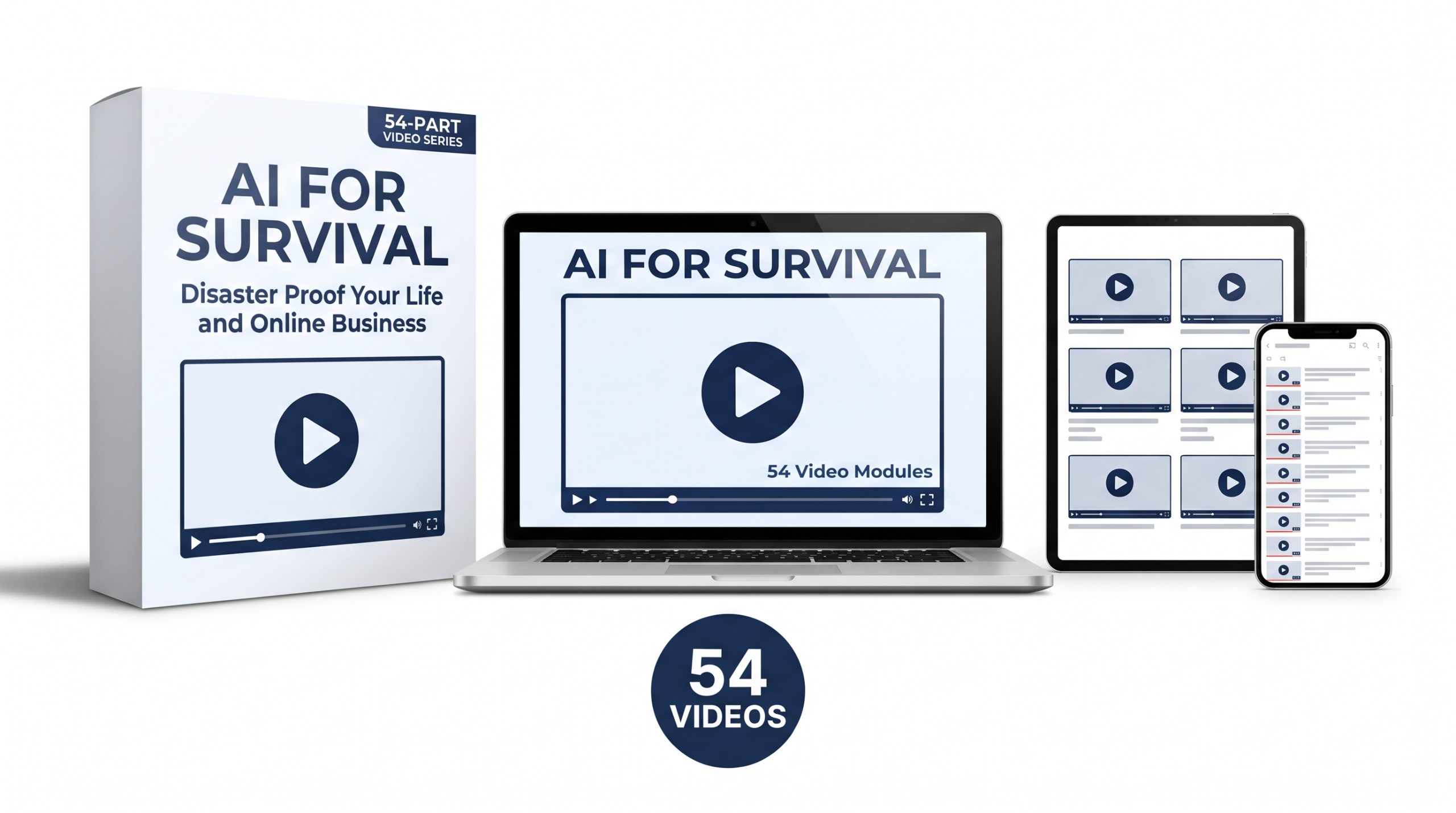
Animation Education Series: Volume 11 (AI for Survival: Disaster Proof Your Life and Online Business) equips you and your buyers with a complete 54-video hand-drawn animated curriculum (Orientation Introduction, 52 Core Modules, plus Bonus Outage Case Study) for building a self-maintaining safety net inside Google Workspace, Gemini, Gemini Notebook, and Gemini Canvas. You get full Private Label Rights (PLR) to disaster-proof your own operations, coach business clients through readiness audits, or rebrand and sell the entire 54-video series as your own flagship product.
From Fragile Browser Tabs to Sovereign Operational Custody
Most online entrepreneurs, coaches, and small business operators treat cloud convenience as permanent security. They leave breakthrough prompts inside scrolling chat sidebars, upload master SOPs into third-party bots after deleting local copies, and rely on a single mobile phone to clear every login challenge.
True operational survival does not come from hoarding complicated software or buying expensive enterprise servers. It comes from configuring the Google ecosystem you already use while the grid is calm. By applying the Universal Three-Layer Rule—separating every workflow into raw source data, plain-text instruction logic, and replaceable execution engines—no platform outage, feature sunset, or telecom blackout can ever trap your work again.
An Architecture of Transformation Across 54 Animated Videos
Across an orientation briefing, fifty-two structured core lessons, and a bonus cascading-outage deconstruction, this curriculum walks step-by-step through the Three Failure Rings: Ring One (cloud outages and account lockouts), Ring Two (internet and cellular blackouts), and Ring Three (power and screen failures—the analog last mile).
Designed simultaneously for individual learners protecting their own operations, coaches and trainers guiding local business clients through commercial AI Readiness Audits, and resellers deploying an evergreen digital product, every video uses crisp hand-drawn animation to explain exact operational steps without fluff or hype.
Certified Expertise
Curriculum engineered with deep operational rigor and official Google AI credentials.

What's Inside The Package
A complete 7-phase instructional video library ready to deploy, rebrand, or sell as your own.
54 Hand-Drawn Animated Videos
Receive 54 high-retention hand-drawn animated training videos (0000 Orientation Introduction, Core Modules 0001–0052, plus 0053 Bonus Case Study) walking step-by-step through operational preparedness.
Complete Google Ecosystem Vault
Step-by-step continuity workflows uniting Gemini, Gemini Notebook, Gemini Canvas, Google Drive for Desktop Mirror Mode, Google Takeout, Docs, Sheets, Sites, and Offline Google Maps.
Three-Ring Continuity Frameworks
Complete systems for Single-Point-of-Failure Audits, the Universal Three-Layer Rule, Plain-Text Skill & Agent Registries, Zero-Internet HTML Browser Dashboards, and Wire-Bound Crisis Field Manuals.
Evergreen White Label PLR Asset
Full Private Label Rights included so you can claim authorship, edit or rebrand the videos, package them as client AI Readiness Audits, or sell the 54-video course to end users and keep 100% of the revenue.
Complete 54-Video Curriculum Breakdown
Every single module included inside Animation Education Series: Volume 11 (54 Videos Total across 7 Strategic Phases).
Introduction: Building Your Self-Maintaining Safety Net in the Google Ecosystem
Why relying on active browser tabs creates single-point-of-failure panic, and how this blueprint uses Google Workspace, Gemini, and Gemini Notebook to protect your life and business across three escalating failure rings.
The Three Failure Rings
Mapping how Ring One (cloud outages and lockouts), Ring Two (internet and cell blackouts), and Ring Three (power and screen failures) impact operations and require layered fallbacks.
The Single-Point-of-Failure Audit
Using Gemini as an operational auditor to expose trapped files, logins, and habits, and logging your top vulnerabilities in an offline Google Sheet.
The Universal Three-Layer Rule
Separating every workflow into raw source data, plain-text instruction logic, and a replaceable execution engine so no platform outage or sunset traps your work.
Hardware & Passkey Redundancy
Configuring multi-device Passkeys and physical security keys so a lost or shattered phone never locks you out of your Google account.
The 8-Digit Printable Bypass
Generating and storing offline Google two-step verification backup codes for immediate login without cellular reception or SMS access.
Trusted Recovery Architecture
Setting up verified recovery emails and phone numbers outside your primary domain to prevent circular login lockouts.
Digital Legacy & Continuity Triggers
Configuring Google Inactive Account Manager so your spouse or trusted business partner automatically receives vault access during an emergency.
The Chat Sidebar Fallacy
Why treating Gemini or external LLM chat histories like a permanent filing cabinet puts years of prompts and intellectual property at risk.
Defeating the Auto-Delete Clock
Auditing and adjusting your Gemini Apps Activity retention settings before older conversations vanish automatically.
The Export-to-Docs Limitation
Why single-response exports omit your original prompts and how to preserve full conversational context instead.
The End-of-Chat Extraction Protocol
Running a closing synthesis prompt after key sessions to compile decisions, frameworks, and code into one clean Google Doc.
The Google Takeout Chat Fix
Navigating My Activity inside Google Takeout to capture your complete Gemini Apps JSON conversation archive rather than just assistant settings.
The Cross-LLM Export Routine
Applying the same monthly extraction habit via Google Tasks reminders to pull chat archives from outside LLMs into Google Drive before download links expire.
Indexing Chats in Gemini Notebook
Feeding exported conversation summaries into a dedicated Gemini Notebook to create a permanent, searchable memory vault.
The Master Prompt Ledger
Building a categorized, offline-synced Google Sheet of your highest-performing prompts so daily workflows run inside any chat window.
Platform Sunset Insurance
Why custom bots and platform-locked assistants get retired or migrated, and how plain-text sovereignty protects your automation stack.
Anatomy of a Portable Skill
Breaking every custom skill, Gem, or assistant down into system instructions, trigger rules, and reference source files.
The Plain-Text Agent Registry
Maintaining a master Google Sheet and Google Docs directory holding exact instruction blocks for every AI persona you operate.
Exporting Portable Skill Bundles
Downloading and organizing portable zip packages and SKILL.md files into structured, offline-mirrored Google Drive folders.
Securing Knowledge Base Source Files
Keeping clean master copies of every PDF, spreadsheet, and SOP attached to your AI skills inside a dedicated Drive source vault.
Documenting Workspace Studio Flows
Mapping trigger conditions, step logic, and Google Apps Script backups so automated Workspace flows can be rebuilt rapidly.
Cross-Platform Agent Migration
Testing how to paste your plain-text Google Doc skill instructions into a backup LLM when a primary model goes offline.
The Gemini Notebook Brain Backup
Consolidating core business frameworks and agent reference materials inside localized Gemini Notebooks.
Stream vs. Mirror Architecture
Why default cloud streaming leaves your hard drive empty during an outage, and how to switch Google Drive for Desktop to Mirror files mode.
Designing the Local Mirror Vault
Structuring a clean folder tree that keeps full, unencrypted local copies of critical files directly on your computer.
Automated Google Takeout Schedules
Configuring recurring bi-monthly Google Takeout exports across Drive, Contacts, Calendar, and Photos with renewal reminders.
Email List & CRM Sovereignty
Exporting and syncing local CSV backups of subscriber lists, buyer records, and priority client contacts.
Communications Fallback Channels
Establishing an independent secondary communication channel when primary workplace chat or email servers go dark.
The Zero-Plugin Emergency Site
Building a static, lightweight Google Site to serve as a resilient status page and emergency customer hub.
Offline Financial & Tax Dossiers
Mirroring essential bank statements, vendor contracts, receipt logs, and tax records to secure local storage.
External Drive Cold Storage
Completing a 3-2-1 backup routine by syncing your mirrored Google Drive vault onto a physical external solid-state drive.
Configuring Offline Chrome & Drive
Activating offline editing permissions for Google Docs, Sheets, and Slides before connectivity fails.
Pinning Priority Files for Blackouts
Selecting and verifying which active projects, emergency trackers, and contact rosters stay editable with Wi-Fi turned off.
Offline Gemini Notebook Audio Briefings
Downloading synthesized audio overviews and study briefings as local MP3 files for offline review on any device.
Building Offline HTML Tools in Gemini Canvas
Prompting Gemini Canvas to build single-file, zero-internet HTML calculators, checklists, and emergency directories.
Deploying Local Browser Dashboards
Saving Gemini Canvas HTML tools directly to your desktop so they run locally in any browser during an internet blackout.
Pre-Loading Offline Google Maps Corridors
Downloading regional highway corridors, alternate routes, and local service maps to your phone for dead-zone navigation.
Local Media & Training Access
Keeping essential SOP recordings and reference manuals playable directly from local device storage.
The Airplane-Mode Stress Test
Running a thirty-minute offline audit to verify that mirrored files, maps, and Canvas tools open without errors.
When Batteries and Screens Fail
Why complete AI preparedness ends with a physical, zero-power paper binder generated from your digital vault.
The Household Emergency Notebook
Indexing medical directives, insurance policies, utility shutoffs, and family contacts inside a private Gemini Notebook.
Synthesizing the Printable Crisis Playbook
Using Gemini to condense complex manuals and household procedures into high-contrast, one-page action checklists.
Producing the Wire-Bound Field Manual
Formatting and printing your Google Docs emergency sheets into a durable desk and vehicle field binder.
The Gridlock & Ground-Stop Travel Dossier
Assembling an offline Drive folder and printed travel packet holding confirmation codes, ground routes, and hotel backups.
Automated Inbox Travel Capture
Building a Workspace Studio flow or Gmail filter that automatically routes incoming boarding passes and itineraries into your offline folder.
Supply, Pantry & Equipment Rotation
Tracking household emergency supplies, batteries, and cash reserves inside an offline-synced Google Sheet.
Automating Preparedness with Gemini Tasks
Setting recurring Gemini Scheduled Tasks and Google Tasks reminders so backup maintenance runs on schedule.
The Friday 10-Minute Vault Sweep
Running a rapid end-of-week checklist to extract top chats, update plain-text skill docs, and confirm local Drive sync.
Monitoring Upstream Disruptions
Using Gemini topic monitors and alerts to spot transit bottlenecks, cloud incidents, and security notices early.
Running Scenario Simulations in Gemini
Prompting Gemini to roleplay a forty-eight-hour cloud lockout or travel ground stop to expose hidden gaps in your plan.
The 72-Hour Business Continuity Drill
Executing a step-by-step recovery checklist to keep client delivery and revenue moving during a multi-day outage.
Packaging Preparedness as a Service
Turning this exact Google continuity architecture into a high-value readiness audit for local business clients.
Bonus: Anatomy of Cascading Outages & Real-World Lockouts
Deconstructing five real-world failure patterns across coupled cloud suites, upstream AI connectors, stranded travel confirmations, data center power bugs, and post-outage phishing surges.
Watch A Sample Lesson
Preview the exact hand-drawn animation style and calm, systems-driven instruction inside AI for Survival.
Commercial Licensing Rights (PLR)
Clear, high-leverage Private Label Rights terms so you can monetize this 54-video curriculum immediately.
Approved Usage
- Sell Directly to End Users: Package and sell the 54-video curriculum as your own digital course, coaching program, or workshop and keep 100% of every sale.
- Edit, Rebrand & Claim Authorship: Customize the titles, add your own intros/outros, translate, or rebrand the lessons under your own business name.
- Power Paid Masterminds & Audits: Drip-feed the 54 animated lessons inside Google Classroom, Google Sites, or commercial AI Readiness Audits for business clients.
- Build Authority & Lead Funnels: Use individual lessons as gated lead magnets, summit bonuses, or educational assets to attract high-caliber clients.
Strictly Prohibited
- No Transfer of PLR or Resell Rights: You may sell the training to end users for their own consumption, but you may NOT pass along PLR, Master Resell Rights, or White Label Rights to your buyers.
- No Un-Gated Public Dumping: You may not upload the entire 54-video curriculum onto free public video platforms without a gated opt-in or paywall.
Strict No-Refund Policy
Because you receive immediate, un-gated access to downloadable commercial video assets and Private Label Rights, ALL SALES ARE FINAL. Please watch the sample lesson above before purchasing.
Secure Your White Label License Now
Get instant access to all 54 Hand-Drawn Animated Videos (Introduction + 52 Core Modules + Bonus Case Study) for AES11: AI for Survival with full Private Label Rights.