GET WHITE LABEL RESELL RIGHTS TO A 55-VIDEO SERIES ON AI FOR KDP: THE ANTI-SLOP SYSTEM
The Problem: Why Amazon Readers Spot AI Slop in Ten Seconds
Every day, thousands of prompt-and-paste books hit Amazon Kindle Direct Publishing. Within two pages, experienced readers recognize the hollow throat-clearing intros, predictable three-part lists, fabricated statistics, and complete lack of a real human voice. Those books earn one-star reviews, rack up refund requests, and put publishing accounts directly in Amazon's crosshairs.
The Agitate: The False Choice Between Slow Old-School Research and Generic AI Junk
Serious authors, coaches, and experts want to build a durable KDP catalog without spending eighteen months buried in scattered notes—yet refusing to touch artificial intelligence feels slow, while letting a chatbot ghostwrite chapters destroys credibility. Worse, even when a book goes live, most authors stop at the final page and miss the opportunity to turn one-time book buyers into loyal, engaged community members.
The Solve: The 55-Video Anti-Slop KDP System & Reader Notebook Engine (With Resell Rights)
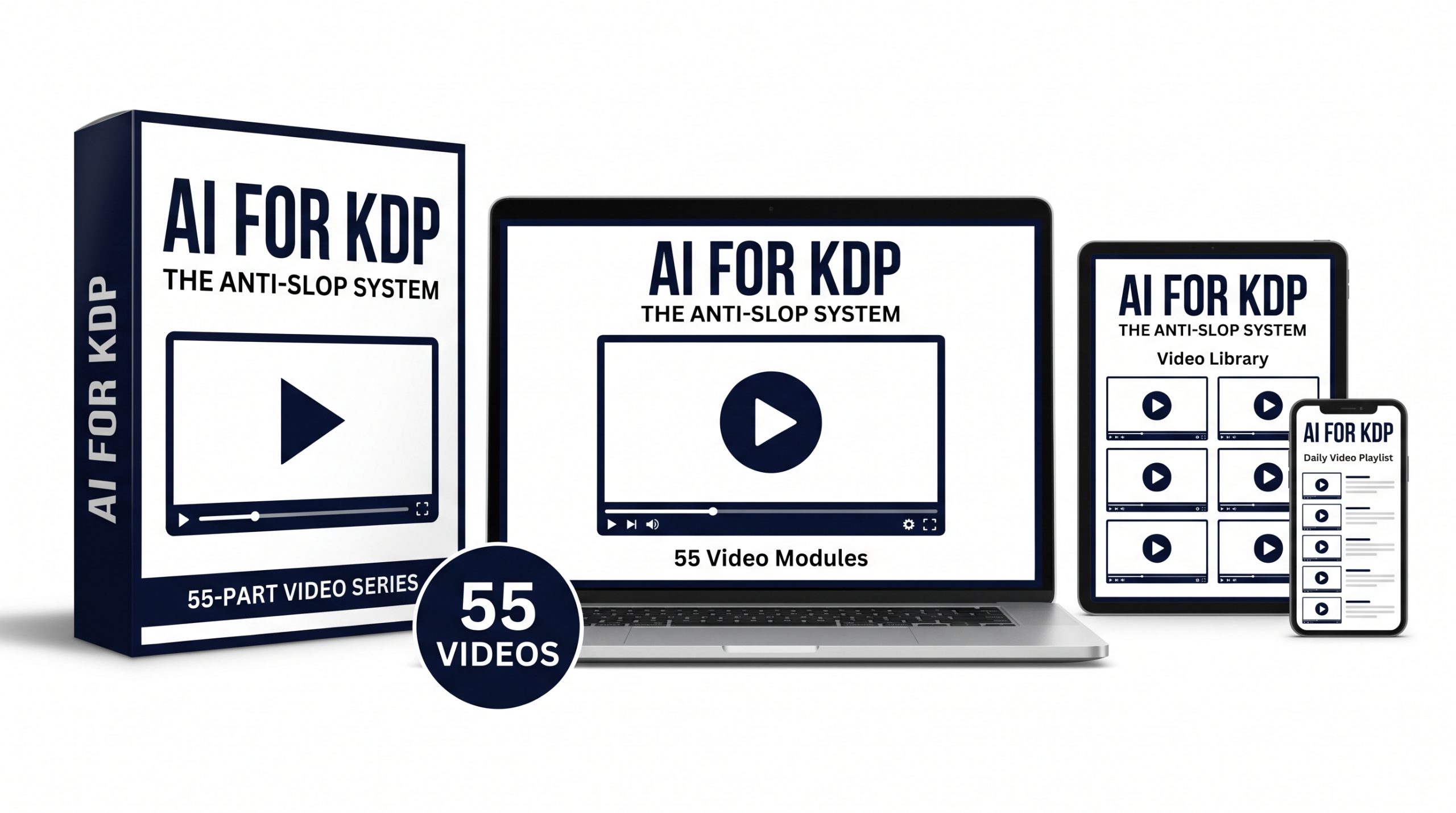
Animation Education Series: Volume 13 (AI for KDP: The Anti-Slop System) gives you and your buyers a complete 55-video hand-drawn animated curriculum (0000 through 0054) built around Gemini Notebook, Gemini, and Google Docs. You master subject matter faster using the classical Trivium, write with unmistakable human authority, navigate KDP formatting and AI disclosure rules cleanly, and deliver a secured, branded, gamified Gemini Notebook companion hub to every reader—complete with White Label Resell Rights.
Speed Up the Knowledge Process Without Producing Slop
Under the Anti-Slop Standard, artificial intelligence is never your ghostwriter. Instead, Gemini Notebook becomes your research librarian, synthesis engine, and toughest structural editor. Yes, this process takes longer than firing off an instant prompt—and in return, you gain the true benefit of AI: increased personal knowledge and the lasting satisfaction of passing on expertise you actually own.
By sequencing research through the classical Trivium—Grammar (sourcing textbooks, credible modern studies, public domain manuals, and voice-recorded author notes), Logic (separating timeless public domain principles from outdated ideas and eliminating hallucinations through domain judgment), and Rhetoric (human-first drafting in Google Docs with PhD-grade citations)—every chapter carries weight no chatbot can mimic.
Go Beyond the Book with a Gamified Reader Companion Notebook
Most KDP courses stop the moment you click Publish. Phases Six and Seven of AES13: AI for KDP take your book into a league of its own by showing how to build, secure, and deliver a buyer-only Companion Gemini Notebook linked directly from your book.
Using formal prompt engineering in Gemini, you populate the Studio panel with chapter-by-chapter Slide Decks, multi-format two-person Audio Overviews (Deep Dive, Debate, and Critique), customized chapter Infographics, a full-book Mind Map, all three Video Overview formats (Cinematic, Short, and Explainer), and niche-specific Reports—organized with a 4-digit numbering system, a living Google Doc Studio Legend, branded logo prompts, a Google Sites update hub, and Sherlock-Holmes-inspired custom gamification.
With White Label Resell Rights included, you own a 55-video foundational KDP curriculum ready to master yourself, teach to clients, or rebrand and sell as your own flagship product.
Certified Expertise
Curriculum engineered with deep operational rigor and official Google AI credentials.
What's Inside The Package
A complete 7-phase instructional video library ready to implement, rebrand, or sell as your own.
55 Hand-Drawn Animated Videos
Receive 55 high-retention hand-drawn animated lessons (0000 Foundation Overview plus Modules 0001–0054) covering the entire Trivium research, human writing, KDP publishing, and reader notebook pipeline.
Trivium & PhD-Grade Integrity Engine
Step-by-step protocols for PD/CITE/ORIG rights tagging, Timeless vs. Obsolete public domain extraction, PhD-level citation outreach, statistical source vetting, and choosing truth over confirmation bias.
Gamified Reader Notebook Blueprint
Complete training on securing a buyer-only Gemini Notebook, building every Studio asset with formal Gemini prompts, organizing a 4-digit Studio Legend, launching a Google Sites hub, and applying custom gamification.
Evergreen White Label Resell Rights
Claim authorship, edit or rebrand the unwatermarked MP4 videos, embed them inside your own membership or coaching portal, or sell the 55-video course directly to end users and keep 100% of the revenue.
Complete 55-Video Curriculum Breakdown
Every single lesson included inside Animation Education Series: Volume 13 (55 Videos Total across 7 Strategic Phases).
The Anti-Slop Standard
Why prompt-and-paste AI books fail on Amazon, what readers reward, and how pairing Gemini Notebook with human authorship builds a durable KDP asset.
Why Readers Spot AI Slop in Ten Seconds
Breaks down the hollow intros, mechanical symmetry, and factual drift that trigger one-star reviews and put KDP accounts at risk.
Sequencing Mastery with the Trivium in Gemini Notebook
Organizes book creation into Grammar (input), Logic (analysis), and Rhetoric (human expression) so you master your topic before drafting.
Setting Up Your Book Hub in Google Drive and Gemini Notebook
Builds a repeatable 5-folder Google Drive production hub paired with a dedicated Master Book Brain synced to the Gemini app.
Sourcing Credible Non-PD Research and Textbooks
Shows how to load peer-reviewed studies, Gemini Notebook Textbooks, and Google Play Books while logging clean bibliographic details from day one.
Borrowing Strategically from the Public Domain
Covers zero-login U.S. federal and military manuals, pre-1931 clean-text classics (stripping Gutenberg headers), and KDP's differentiated-content policy.
Capturing Your Own Expertise as Notebook Sources
Uses Gemini Notebook's mobile audio recorder, handwritten page photos, and personal notes so your lived stories sit beside external research.
Auditing Source Quality and Separating PD vs. Non-PD Rights
Prunes weak sources and applies strict PD, CITE, and ORIG prefixes for instant checkbox filtering and airtight citation hygiene.
Extracting Timeless Principles from Public Domain Works
Explains why speeding up the knowledge process beats instant prompts and runs a Timeless vs. Obsolete Audit strictly on PD sources.
Leveraging Existing Expertise to Spot Patterns and Eliminate Hallucinations
Shows how writing in domains you already know accelerates ingestion, catches outdated ideas, and eliminates hallucinations grounded tools alone only mitigate.
Using Audio Overviews and Voice Conversations to Internalize Research
Uses Deep Dive, Debate, Interactive Mode, and live mobile Voice Conversations to turn passive reading into spoken fluency before drafting.
Stress-Testing Your Core Premise with Gemini
Uses The Critique Audio Overview and synced Gemini peer review to expose weak logic and tough reader objections before writing begins.
Building Your Reader Promise Brief and High-Retention Chapter Blueprint
Defines your exact reader transformation and maps a tight, zero-padding chapter sequence with distinct takeaways for every chapter.
Mapping Verified Sources, PD Principles, and Citations to Every Chapter
Uses PD, CITE, and ORIG checkboxes to assign modernized principles, cited evidence, and lived stories to each chapter prior to writing.
Creating Your Anti-Slop Style Guide
Defines tone, sentence rhythm, a strict Banned Clichés List, and a human Voice Anchor document in Drive for Google Docs guardrails.
Setting Up Your Master Manuscript and Citation Tracker in Google Docs
Configures clean Heading 1/2 styles, Document Outline navigation, a chapter-by-chapter Working Citation Tracker, and @-context links.
The Knowledge-to-Page Method
Pulls one-page verified chapter briefs from Gemini Notebook, closes the chat window, and writes original human chapters directly in Google Docs.
Dictation-to-Draft for Natural Human Voice
Captures natural cadence fast using Google Docs Voice Typing or the Gemini Notebook mobile recorder, then cleans transcripts without sterilizing personality.
Building a Daily Zero-Friction Writing Sprint
Establishes a repeatable 45-minute daily sprint separating drafting from editing using bold placeholders and next-day opening hooks.
Writing Strong Chapter Hooks Without Robotic Intros
Replaces synthetic throat-clearing openings with four concrete human hooks and the delete-paragraph-one sharpness test.
Weaving Real Examples and Lived Experience into Every Section
Anchors abstract concepts in personal stories, generously credited external case studies, and concrete before-and-after demonstrations.
Breaking Writer's Block by Interviewing Your Notebook
Resolves clarity gaps in three minutes through source-locked chat or mobile Voice Conversations without handing the keyboard to AI.
Guardrailed AI Assistance (When You Need Scaffolding)
Clarifies KDP's AI-assisted vs. AI-generated rules and uses Gemini strictly for bulleted structural scaffolding when blank pages stall momentum.
Rewriting AI-Assisted Scaffolds into 100% Human Prose
Applies the Two-Window Conversion Method to write fresh prose free of mechanical cadence while maintaining an honest KDP disclosure log.
The Slop Audit
Runs a targeted Google Docs Find-and-Replace sweep and diagnostic Gemini scan to eliminate banned clichés, filler transitions, and robotic rhythm.
Structural Editing with Gemini
Evaluates your complete draft against your Reader Promise Brief to fix pacing drops, redundant chapters, and missing prerequisite steps.
Cite as Carefully as a PhD Would
Shows why generous citation boosts authority, verifies quotes via Gemini Notebook, and uses direct expert outreach and permitted interviews for fair representation.
Tightening Sentences Without Flattening Your Voice
Uses Gemini strictly as a surgical clarity lens anchored to your human Voice Anchor document to trim 10% bloat while protecting your voice.
Read-Aloud Testing for Natural Rhythm
Combines live spoken reading with text-to-speech playback to catch awkward phrasing, repeated transitions, and missed typos by ear.
Writing Front Matter, Back Matter, Notes, and Reader Bonuses
Crafts lean front matter, a PhD-grade Notes and References section, a grounded author bio, and back-matter invitations to your reader bonus hub.
Locking Your Final Manuscript for Production
Completes a six-point pre-flight check and freezes a dated read-only master archive in Drive before creating formatting copies.
All Statistics Are Not Created Equal
Vets every statistical claim through three reliability filters plus Gemini and Gemini Notebook source audits so careless numbers never wreck credibility.
Choose Truth Over Agreement With You
Prioritizes care for the reader over ego—documenting your honest research journey whenever evidence shifts your view instead of seeking confirmation bias.
Crafting a Category-Winning Title and Subtitle
Runs a Gemini title lab to sharpen clear, searchable, series-ready titles that satisfy Amazon metadata rules without keyword stuffing.
Writing an Amazon Book Description That Sells Without Hype
Builds a scannable four-part description structured around the Read More fold using Amazon's supported HTML tags under the 4,000-character limit.
Prepping Your Google Doc for Clean Formatting
Strips hard returns, Tab indents, comments, and floating shapes, audits Heading 1/2 styles, and splits into dedicated eBook and Paperback files.
Formatting Your Kindle eBook Interior
Creates a clean reflowable digital layout with clickable Table of Contents, interactive pop-up endnotes, and clean EPUB, DOCX, or Kindle Create exports.
Formatting Your KDP Paperback Interior
Sets trim size, mirrored inside gutter margins, bleed rules, running headers, sequential page numbers, and embedded-font print-ready PDF exports.
Designing a Genre-Appropriate Cover (Avoiding the "AI Look")
Applies shelf audits, bold typography hierarchy, the Postage-Stamp Thumbnail Test, and KDP Cover Calculator wraparound safe zones.
Inspecting Your Files with Kindle Previewer
Runs a six-step pre-flight across Tablet, Phone, and grayscale E-Reader modes, testing Enhanced Typesetting, font extremes, and every hyperlink.
Managing ISBNs, Imprints, and Edition Details
Compares Kindle ASINs, free KDP ISBNs, and owned Bowker ISBNs, locking consistent imprints and edition metadata across formats.
Navigating the Amazon KDP Dashboard
Completes payment, tax, and two-step verification readiness and walks calmly through KDP's three-tab Book Details, Book Content, and Book Pricing flow.
Amazon's AI Disclosure and Public Domain Compliance Rules
Clarifies KDP's exact AI-assisted vs. AI-generated disclosure rules and differentiated-content standards before hitting Publish.
Creating and Securing a Companion Gemini Notebook for Your Readers
Builds a clean buyer-only notebook delivered via gated back-matter links using Viewer-only permissions and copy restrictions to protect your IP.
Gamifying Your Gemini Notebook with Custom Configuration
Draws inspiration from the Sherlock Holmes Discovery game to engineer 10,000-character Configure Chat rules, a custom banner image, and a Markdown Welcome Note.
Leaving Gamification Until Last and Planning Studio Assets First
Explains why Configure Chat stays on Default until all Studio assets are built so readers stay engaged long after finishing the book.
Creating Chapter Slide Decks with Formal Prompt Engineering in Gemini
Isolates one chapter at a time and deploys long, structured formal prompts written in Gemini directly inside the Slide Deck Studio tool.
Creating Two-Person Audio Overviews Across Deep Dive, Debate, and Critique
Matches Deep Dive, Debate, and Critique formats to distinct book sections using Gemini prompts, listening in full and regenerating until every track shines.
Creating Customized Chapter Infographics Using Gemini Prompts
Turns every chapter into a crisp single-page visual cheat sheet by letting Gemini engineer orientation, density, and hierarchy prompts.
Creating a Customized Mind Map for Your Entire Book
Selects all finalized chapters and engineers a hierarchical Gemini prompt to build an interactive full-book bird's-eye Mind Map.
Creating Customized Video Overviews Across All Three Formats
Deploys Cinematic, Short, and Explainer Video Overviews (1–3 per chapter or whole book) with strict watch-and-regenerate quality control.
Asset Numbering Conventions, Renaming, and Your Studio Legend
Applies 4-digit naming across every Studio asset, uploads a Google Doc Studio Legend into Sources, and links it directly into Custom Configuration.
Creating Niche-Based Customized Reports Using the Reports Tab
Uses custom Gemini prompts inside the Reports tab to build—and continually update or prune—tailored playbooks for distinct reader sub-niches.
Uploading Ongoing Media and Exporting an HTML Hub to Google Sites
Adds new podcasts and videos to your reader notebook over time and embeds a Gemini-built HTML reader portal on Google Sites for updates and cross-book links.
Branding Your Gemini Notebook Assets and Prompting for Logos
Weaves your Brand Name and spoken intros into every Gemini prompt, attempts logo integration across visual Studio assets, and activates final gamification.
Watch A Sample Lesson
Preview the exact hand-drawn animation style and calm, systems-driven instruction inside AI for KDP: The Anti-Slop System.
Commercial Licensing Rights (Resell Rights)
Clear, high-leverage White Label Resell Rights terms so you can monetize this 55-video curriculum immediately.
Approved Usage
- Sell Directly to End Users: Package and sell the 55-video curriculum as your own digital course, coaching program, or publishing workshop and keep 100% of every sale.
- Edit, Rebrand & Claim Authorship: Customize the titles, add your own intros/outros, translate, or rebrand the lessons under your own business or academy name.
- Power Paid Memberships & Cohorts: Drip-feed the 55 animated lessons inside Teachable, Google Classroom, Google Sites, or your paid author community.
- Build Authority & Lead Funnels: Use individual lessons as gated lead magnets, launch bonuses, or educational assets for your audience.
Strictly Prohibited
- No Transfer of Resell or PLR Rights: You may sell the training to end users for their own personal consumption, but you may NOT pass along PLR, Master Resell Rights, or White Label Rights to your buyers.
- No Un-Gated Public Dumping: You may not upload the entire 55-video curriculum onto free public video platforms without a gated opt-in or paywall.
Strict No-Refund Policy
Because you receive immediate, un-gated access to downloadable commercial video assets and White Label Resell Rights, ALL SALES ARE FINAL. Please watch the sample lesson above before purchasing.
Secure Your White Label License Now
Get instant access to all 55 Hand-Drawn Animated Videos (0000 through 0054) for AES13: AI for KDP — The Anti-Slop System with full White Label Resell Rights.